
02 / Clarity Engineered.
Automation & data tools.
Turn scattered information into something you can work with.
Experience, applied
The difficult part is often between the tools.
Useful information rarely arrives in one tidy place. It comes in files, records, reports, and applications that were never designed to work together. ECS draws on experience with data workbenches, import and query workflows, and custom utilities built to make that information more manageable.
The engineering challenge is not just moving data faster. It is understanding what a record means, preserving the context needed to trust it, and making problems visible when an input does not fit. That perspective carries through to desktop tools, browser-based interfaces, and human-reviewed AI and knowledge workflows.
Automate the repetition. Keep the judgment visible.
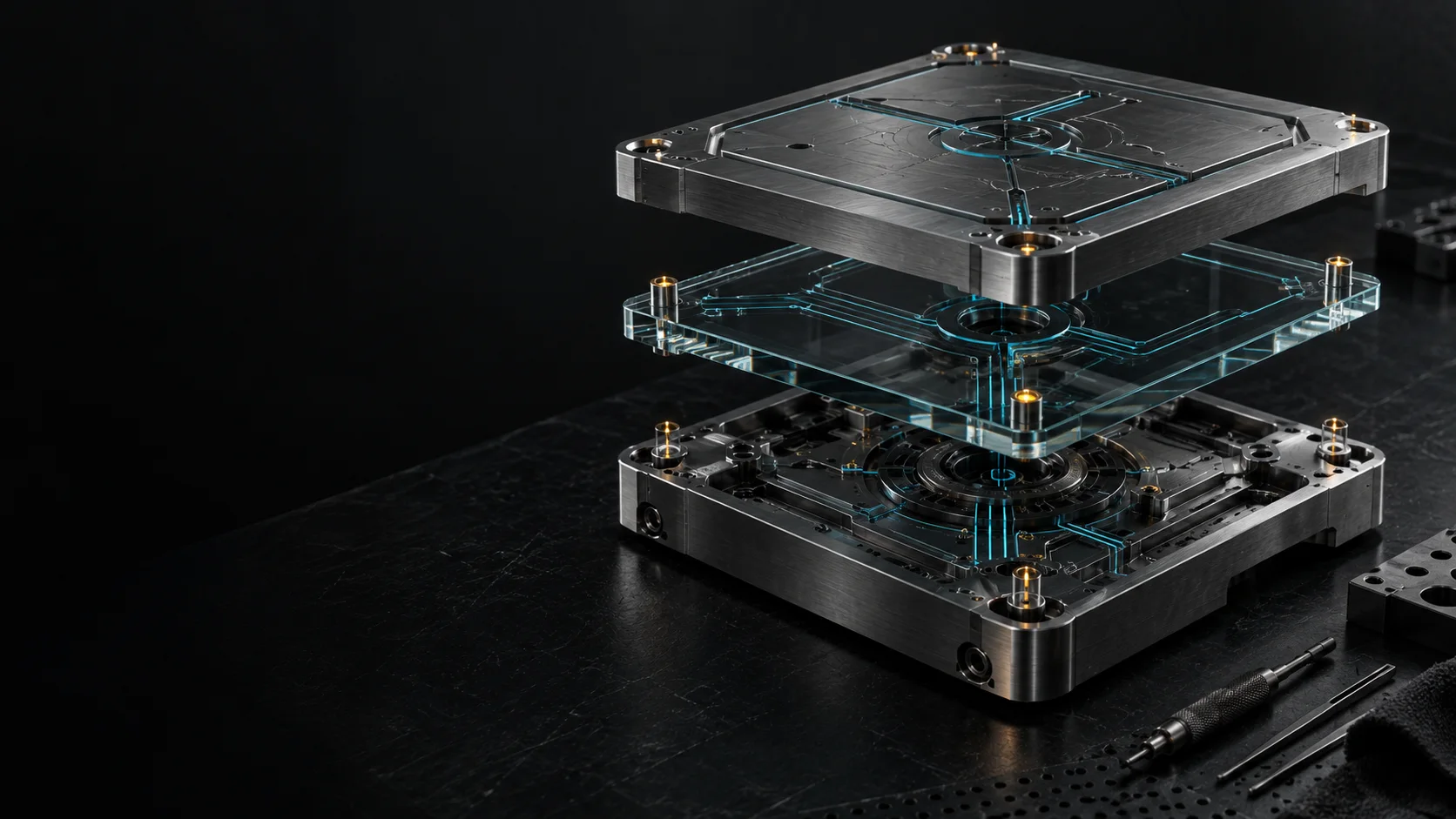
What that makes possible
Less copying.
More understanding.
For your team, the right solution might be a reliable import process, a searchable workbench, or a small integration that removes a recurring handoff. We can start with one awkward step, then connect the wider workflow where the value is clear.
- Workflow automation and system integrations
- Data import, search, analysis, and reporting
- Custom desktop and browser-based tools
- Human-reviewed AI and knowledge workflows
From source to decision
A workflow you can follow.
Consider a recurring set of incoming records. A useful system makes the path from receipt to review explicit, including the cases that need a person.
Start with the shape of the information.
Files and connected applications may describe the same thing differently. An import workflow needs a clear input contract, source context, and a way to separate usable records from exceptions.
Illustrative record-processing workflow
- SourcesFiles and applications
- ChecksFormat and required fields
- ImportRecords with provenance
Bad input should produce a useful explanation, not a silent failure.
Build a workbench, not another pile of files.
Search, filters, and purposeful views bring relevant information within reach. The interface should help someone follow a question through the data without losing where the answer came from.
Illustrative record-processing workflow
- OrganizeConsistent records
- ExploreSearch and comparison
- TraceBack to the source
An answer is more useful when its context travels with it.
Make exceptions part of the design.
Automation can handle repeatable steps while people review uncertainty and consequential decisions. AI-assisted suggestions need the same boundaries: a defined task, visible evidence, and a deliberate approval path.
Illustrative record-processing workflow
- PrepareRepeatable processing
- ReviewExceptions and suggestions
- ReleaseApproved output
Speed matters. So do review, recovery, and a clear record of what happened.
Let's build something useful
Bring the workflow that keeps getting in the way.
A recurring manual task is a good place to start. We can examine the inputs, decisions, and handoffs, then define a tool that earns its place in the process.